
Update Information:
Hey everyone,
It’s time to start public testing for our next update!
As promised in the roadmap, we’ve got new Room types, new buildings, and a story trait featuring a reclusive stowaway. We’re also putting out a small introductory collection of ONI’s new cosmetic skins.
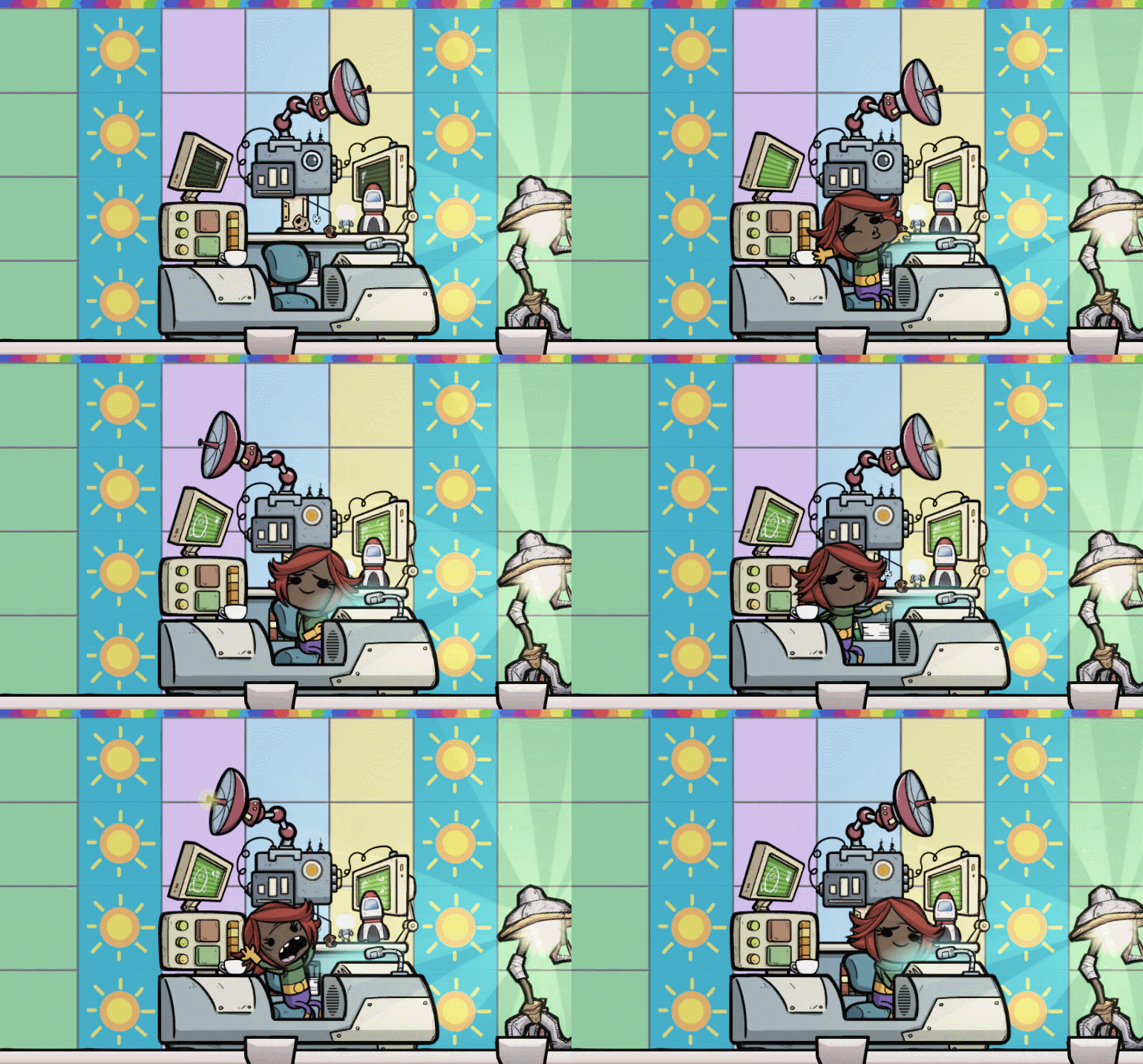
All of the new buildings work for both base game and the Spaced Out! DLC: The new Conduction Panel exchanges heat with overlapping buildings, making it easier to manage temperatures…even in a vacuum! Meanwhile, the Mission Control Station provides rocket guidance support, effectively boosting rocket speed. And the frequency-amplifying Geotuner building increases the temperature and output of a targeted Geyser anywhere on the asteroid. The latter two need to be built inside the new Laboratory room in order to function.
The Mysterious Hermit story trait introduces a Gravitas relic with a lone inhabitant who can be recruited to your colony by completing a series of mini challenges.
We’re still working on building out the ONI skins system, but we couldn’t resist releasing three sampler sets. In the future, the primary method for obtaining new skins will be through timed drops. For now, we’re setting everyone up with a few intro skins so that you can get a sneak peek at how it all works and let us know what you think.
To claim these sampler sets of ONI skins (aka blueprints): Click on “Supply Closet” in the Main Menu, and hit the “Check Shipments'' button. That’ll take you to the Klei Rewards webpage, which has three free mystery shipments up for grabs—you’re welcome to redeem all three. You can then view your collection of blueprints in your online inventory or in-game, in your Supply Closet.
Thank you to everyone who jumps in to help out with the public testing process: we appreciate you! Please let us know what you think and what’s working (or not). Any bugs you find can be reported here.
Here’s what you’ll find in the update so far:
Features
-
All versions
- Added Mysterious Hermit story trait.
- Added Geotuner building.
- Added Mission Control Station building.
- Added Conduction Panel building.
- Added Private Bedroom room type. Renamed Bedroom to Luxury Barracks.
- Added Laboratory room type.
- Preview of the new cosmetic skins system, including three free sample sets of skins.
Changes and Improvements
-
All versions
- Telescopes and Space Scanners have changed how they calculate sky visibility. These buildings now can work under multiple layers of glass tiles and denser gas/liquids.
- Renamed Phosphorous to Refined Phosphorus to make it easier to differentiate from Phosphorite.
- Geysers now display an Average Output once analyzed.
- Geysers are now renamable. They start with a unique name identifier so it’s easier to tell them apart.
- Reveal the asteroid's surface when you launch a rocket after it reaches space.
-
Drywall changes
- Significantly reduced Drywall construction time and construction mass.
- Drywall now provides a small decor boost.
- Moved Drywall to "Base" build menu category.
- Moved Drywall to Textile Production tech.
- Drywall can replace tiles and vice versa.
- Pedestals, Sweepy Bots now lists artifacts and keepsakes before other items.
- Added Camera Speed slider to Game Options screen.
- Added names for existing paintings and statues
- Canvases and sculpting blocks now let you select a different artwork of the same quality. You can also clear artwork.
- Changed building material selection panel to a vertically scrolling grid.
- Adjusted room colors for Deuteranopia and Protanopia color blind modes.
- Room overlay legend was reordered such that the Kitchen appears near the other dining room types.
- Fixed issue causing some menu backgrounds to be incorrectly sized after a window size or resolution change.
- Added icons on the specific database pages for room type when you click on a category
- Added a list of recipes to the Spice Grinder building's database entry
- Dream bubbles now have a journal icon in them
-
Base game only
- Added Spaced Out! store link to the main menu for users who don't already own it.
-
Spaced Out! only
- Artifact Transport Module lists artifacts and keepsakes before other items.
Fixes
-
All versions
- Fixed a crash using the Sandbox delete tool on a Duplicant with a balloon.
- Unequipping Pajamas from a Duplicant who is sleeping and dreaming will no longer make the Duplicant keep the dream bubble forever
- Fixed all Spice Grinders displaying the same food when hovering one Spice Grinder
- Fixed sound issue related to solid resin
- Fixed issue that allowed Duplicants to get stuck when trying to enter a Transit Tube.
- Fixed a transit tube related crash loading some saves.
- Duplicants interrupted while eating at a Mess Table no longer play the eating animation when using other buildings.
- Attack tool now correctly applies the selected priority.
- Capture tool now updates the priority of critters already marked for capture.
- Fixed "Resume Game" and load game screens not handling daylight savings time.
- Fixed typos in the Heat database entry.
- Updated Serum Vial recipe description to mention Zombie Spores instead of Slimelung.
- Removed empty parentheses beside the decor item room requirement in the build menu.
- Database entry for Critter Flux-O-Matic now displays expanded descriptions for each critter.
- Modding: Fixed issue in the sim loading more than 255 elements.
- Fixed dev debug stamping of templates without buildings. Note this screen is unsupported.
-
Spaced Out! only
- Fixed Sponge Slug incorrectly using Gas Output instead of Liquid Output.
- Destroying rocket modules properly cleans up related chores
- Fixed a bug that showed the status item "No Research Selected" when all researches were completed on the Space Out version by the Materials Study Terminal building
- Fixed rocket launch button sometimes displaying "Automation Controlled" or "Begin Launch Sequence" incorrectly.
- Renamed rocket interior tiles to "Rocket Wall" and clarified building restriction on rocket fitting building placement
- Fixed missing string for Ladder Bed stamina.
What is public testing?
"Public testing" means players get to test-drive new content early and give us feedback and suggestions before it goes live. Because this is an unfinished and in active development version of the game, it's pretty likely you'll encounter bugs, crashes or balance issues while playing these builds. We'll try to fix any problems that crop up as quickly as we can, but it's possible you'll lose progress in your games while playing on the Testing branch.
Regarding performance, the Testing branch has additional debugging tools enabled to help us track down crashes. This makes the game run more slowly than the live version of the game.
Please also be aware that once a save is loaded in the Testing branch, it cannot be reopened again in the previous Live branch or previous builds.
What do I do if I find a crash or a bug?
Post it up on the Bug Tracker and we'll fix it as soon as we can. If you can attach a copy of your save file to your report, that helps us even more as we can pinpoint the source of problem more quickly.
Do I have to play the public testing build?
Nope! If you'd prefer to only play a stable build, you can continue to play in the current Default branch until the game launches in full. Playing the Open Testing build isn't necessary, but it helps us a lot to receive your feedback and reports - if you're interested, try it out!
How do I become a public tester?
There's no sign up or registration for becoming an open tester. If you own Oxygen Not Included and want to join the Testing Branch, all you have to do is play the Open Testing build on Steam.
How do I play the public testing build?
You can switch your branch on Steam using the instructions below:
How to change branches in Oxygen Not Included (Steam)
- In Steam, click on Library > Games.
- Scroll down to Oxygen Not Included.
- Right-click and select Properties.
- Go to the BETAS tab.
-
In the dropdown, select the name of the branch you want to play. In this case, the branch name is "public_testing"
- This branch does not require a password.
- In that same Properties window, go to the Local Files tab and press "Verify Integrity Of Game Cache."
- Your game will be updated to the the previous branch.
- Launch and play Oxygen Not Included
You can join in the Discussion Topic here.
If you run into a bug, please visit the Klei Bug Tracker.