

Steam user here on Windows.
I thought I was losing my mind, but further steps have confirmed that I did save my world generation presets—the game remembers them, and I can't create a new preset with the same name—but I can't seem to find them in the "Choose Generation Presets" menu. Only generation presets, and not settings presets, seem to be affected. I've had Steam "verify the files' integrity", and uninstalled it and reinstalled it too.
I'm not sure what attachments would be helpful to submit.
Steps to Reproduce
Here's a test I just ran.
- I opened up the client, and went to "Host Game" > "Create New World", choosing the Survival world style.
- On the Forest tab, in the World Generation sub-tab, I set Celestial Fissures to "More".
-
I clicked "Save As New Preset" and input the name "Now you see me", before clicking the save button underneath.
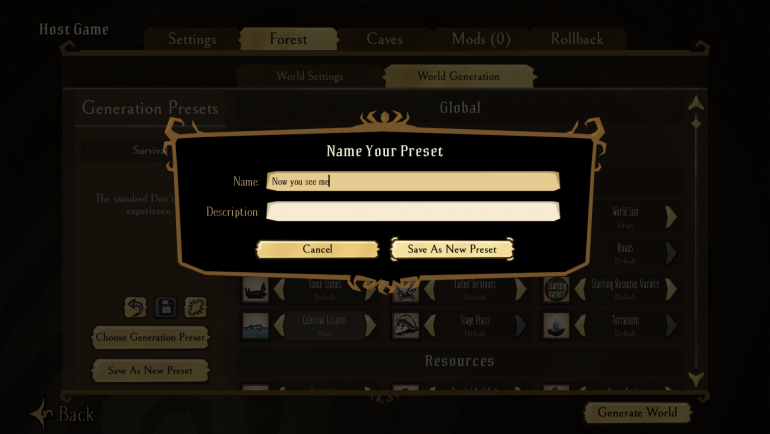
-
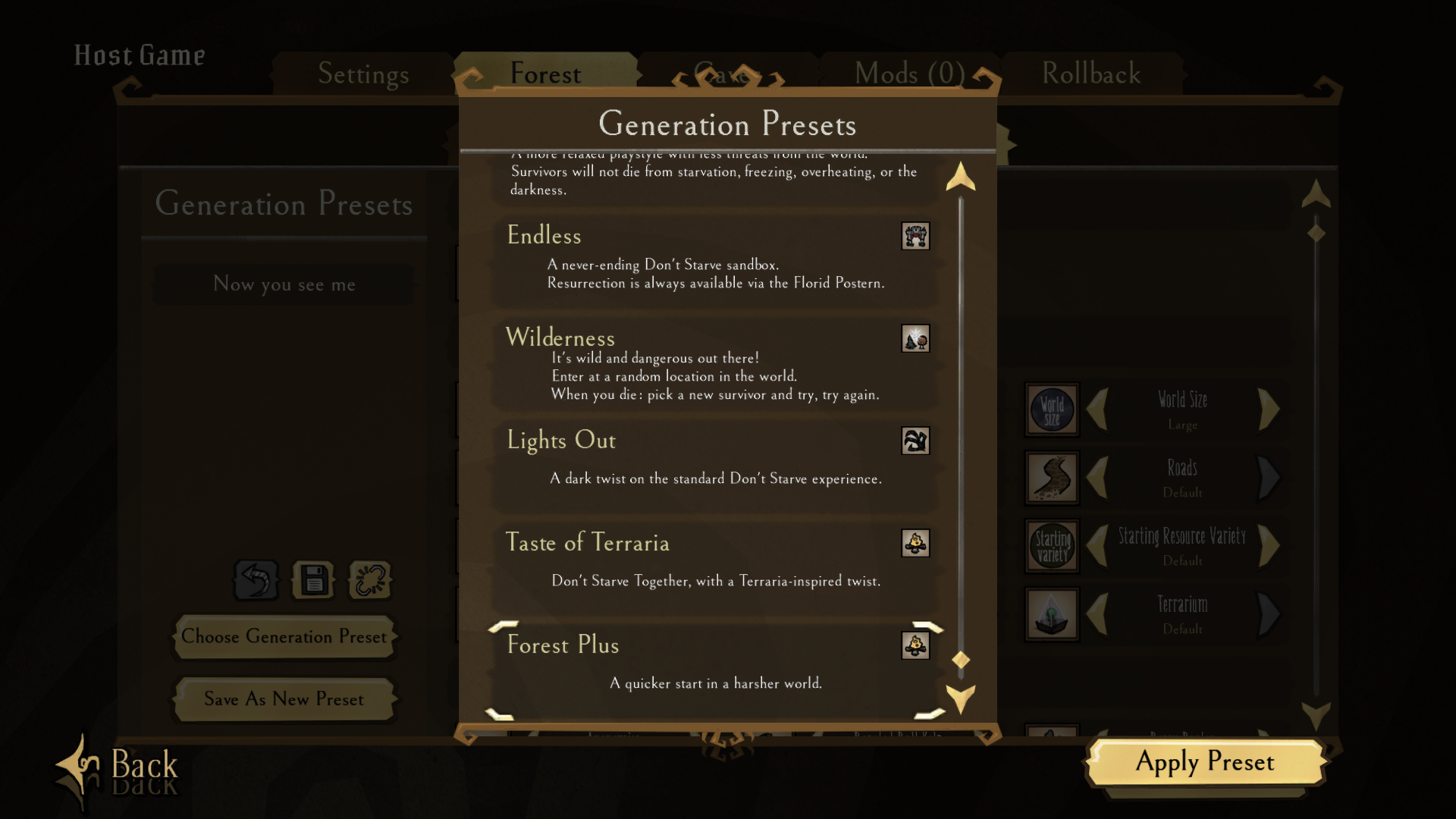
I then clicked "Choose Generation Preset" and the list does not show the new preset.
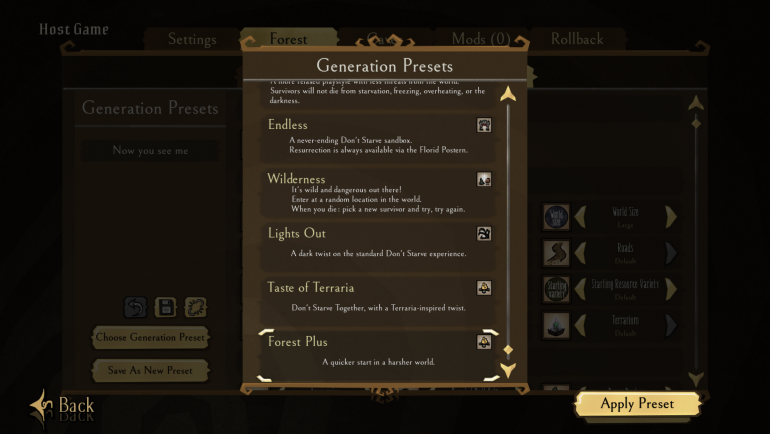
- I switched to "Survival" and checked again for fun.
- I then changed Celestial Fissures to "Less".
-
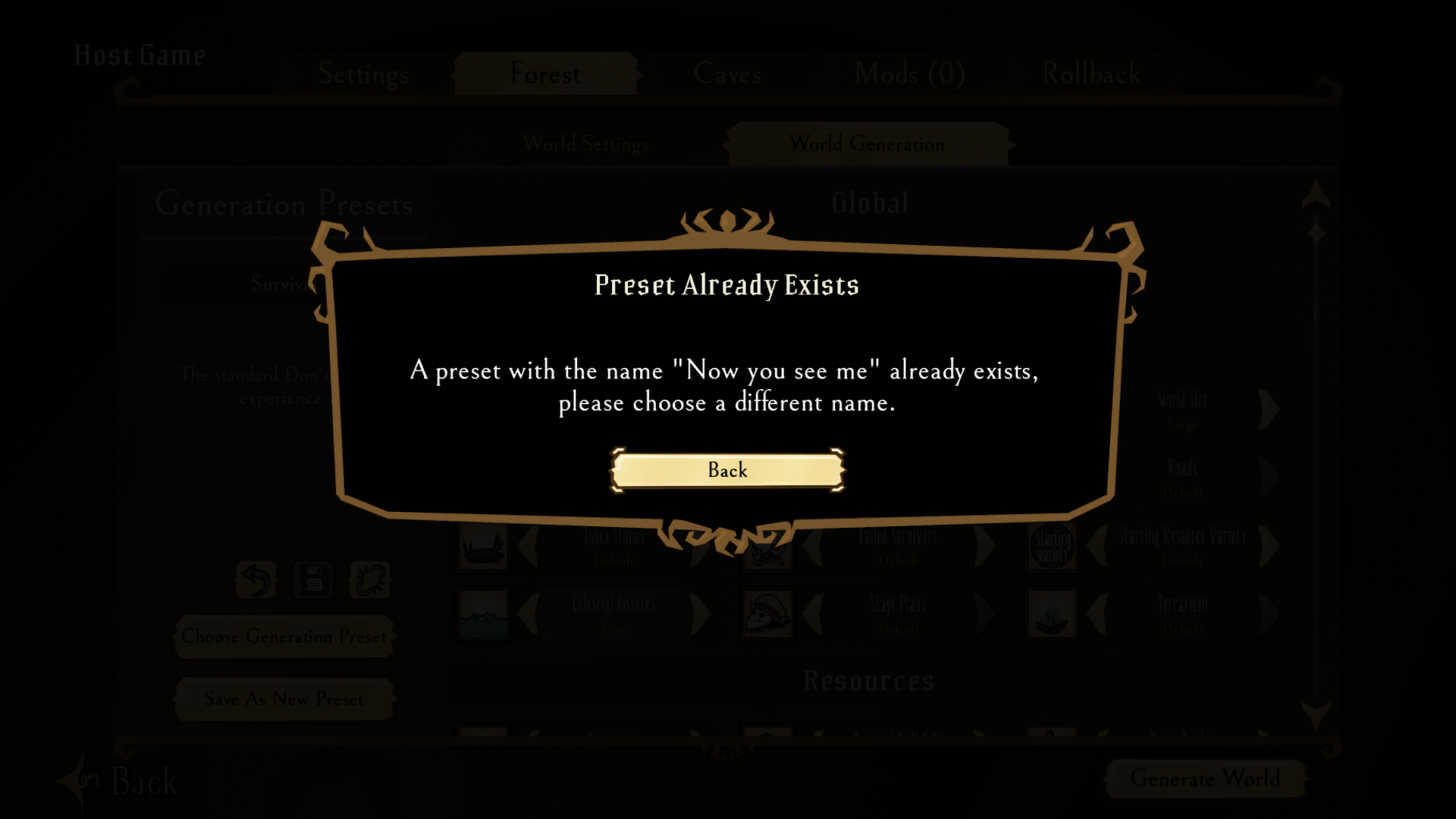
I clicked "Save As New Preset" again, and attempted to input the same name as before, and the game didn't allow it
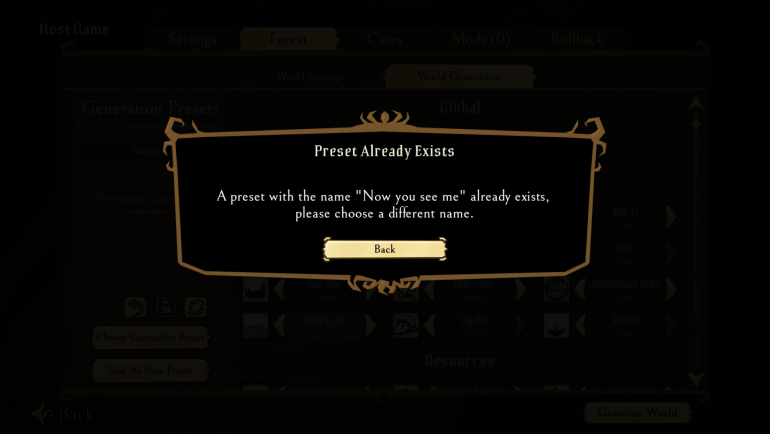
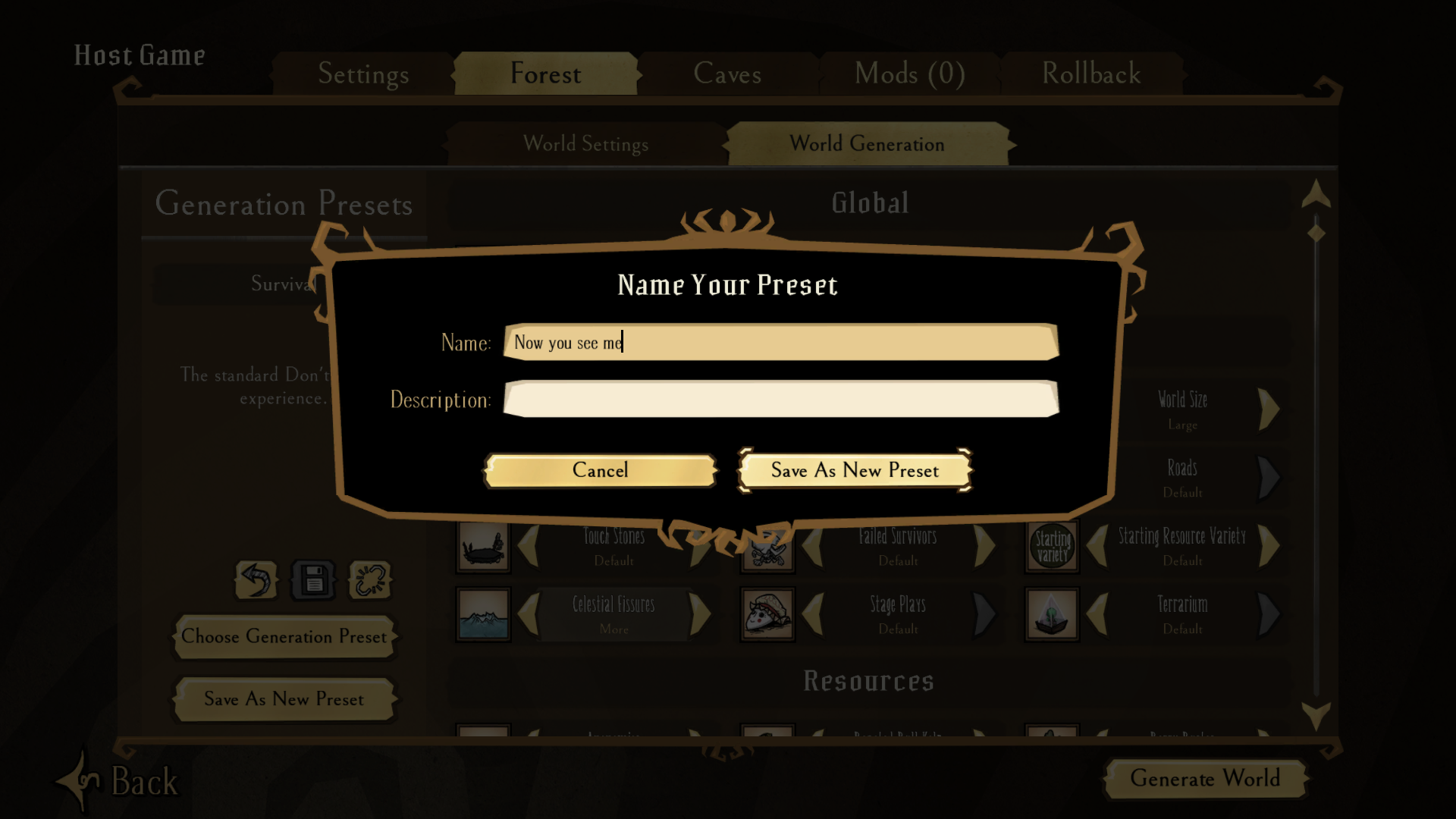
There are no comments to display.
Create an account or sign in to comment
You need to be a member in order to leave a comment
Create an account
Sign up for a new account in our community. It's easy!
Register a new accountSign in
Already have an account? Sign in here.
Sign In Now